


This article is currently available in English while its SO translation is prepared or reviewed.
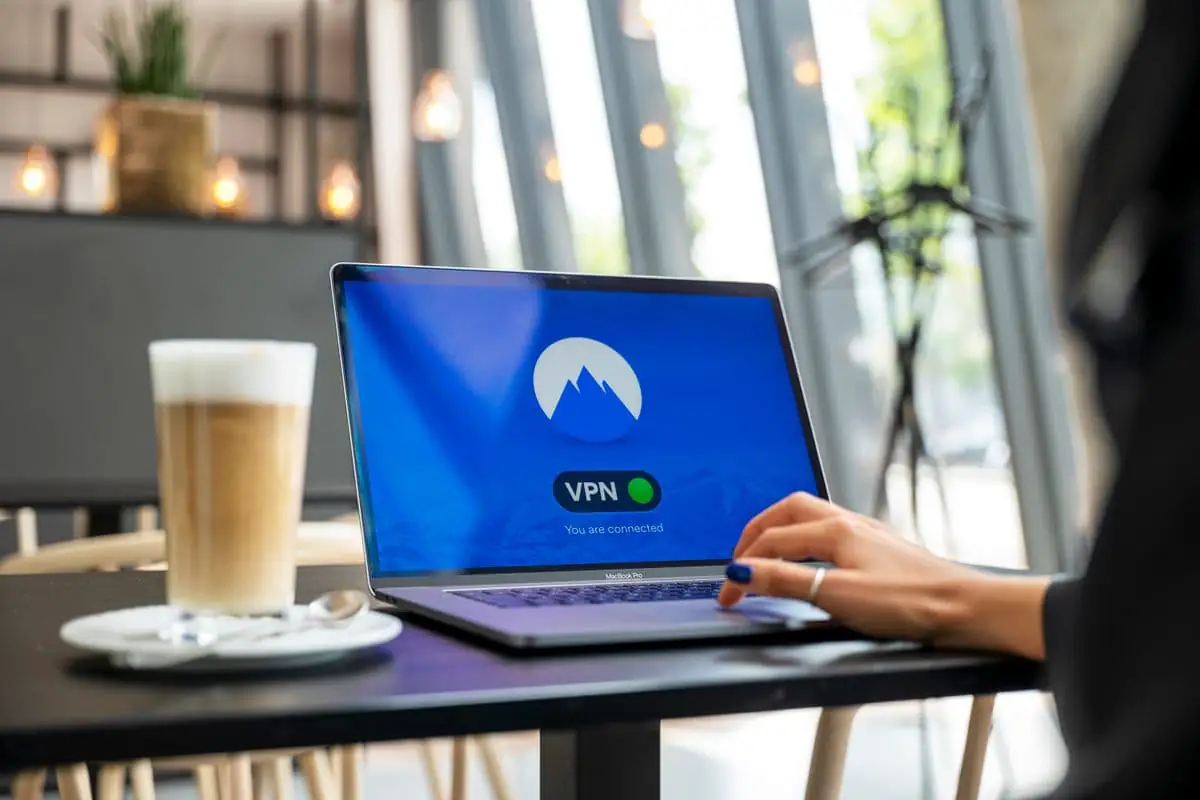
Small teams often assume that cyberattacks target larger companies. In practice, any business that uses email, mobile money, cloud tools or customer records has accounts and workflows worth protecting. A single compromised mailbox can expose invoices, reset passwords for other services or convince staff to send money to the wrong place.
Good security does not begin with buying a complex product. It begins with a few clear habits, sensible access controls and a plan for responding when something goes wrong. The goal is to reduce preventable risk without making ordinary work difficult.
Start with the accounts that control everything
List the accounts that could unlock other parts of the business: email, domain registration, hosting, accounting, cloud storage, payment providers, social media and administrator accounts for internal software. Assign an owner to each one and confirm that recovery details point to a company-controlled address or number.
Use a unique password for every account. A reputable password manager makes this practical for a small team and reduces the temptation to reuse a familiar password. Require multi-factor authentication on email, domain, finance and administrator accounts wherever it is available. Store recovery codes in a controlled location rather than in the same mailbox they protect.
Review who has administrator access. Give each person the access their role needs, and remove access promptly when a staff member changes role or leaves. Shared accounts make it hard to tell who performed an action and make offboarding unreliable. Where a service supports named accounts, use them.
Make payment changes verifiable
Payment redirection is a common business risk because a convincing request may arrive through an email thread that looks familiar. Establish a separate verification step before changing bank or mobile-money details, approving an unfamiliar payment, or acting on an urgent request to bypass the usual process.
The verification route should already be known to the team. Call a saved, previously confirmed number or ask the authorised contact through a separate channel. Do not rely on the phone number or link contained in the request itself. The person approving the change should record who verified it and when.
Keep this procedure short enough that staff will use it. It can be a one-page rule in the finance process, supported by a second approver for changes above a threshold the business chooses. The exact control depends on the size and risk of the operation.
Protect devices and business information
Keep operating systems, browsers and business applications up to date. Enable automatic security updates where they do not conflict with a managed release process. Use screen locks and device encryption on laptops and phones that access customer or financial information. If staff use personal devices, agree what business data may be stored locally and how access is removed when needed.
Backups are useful only when they can be restored. Keep important records in a managed backup system, separate from the everyday account that could be compromised. Test restoring a small sample periodically. Decide who can access backups and how long they are retained; keeping every record forever can create unnecessary exposure.
Think about where customer information is copied. A spreadsheet exported for convenience, an attachment sent to a personal inbox or a shared link with broad access can become an uncontrolled copy. Use named users, limited sharing and clear folder permissions. Review externally shared links and revoke the ones no longer needed.
Train for realistic attempts
Staff do not need to become security specialists. They do need a safe way to pause and report a suspicious request. Explain how to recognise unexpected password prompts, pressure to act immediately, unfamiliar attachments, changed payment details and requests to share verification codes.
Make reporting easier than blame. Tell staff whom to contact and what to include: the time, the account or device involved, what they clicked or sent, and any action already taken. If a person reports a mistake quickly, the team has more time to contain it. Do not ask staff to investigate suspected malware themselves.
When a new tool is introduced, agree who can create accounts, how access is approved, where files are stored and who receives security notifications. This simple onboarding checklist avoids quiet growth of unowned accounts and unknown data stores.
Prepare a response before an incident
Write down a short incident plan with names and contact routes. It should say who can disable an account, contact a provider, preserve relevant records, communicate with affected customers and decide whether specialist advice is needed. Keep an offline or otherwise separate copy of the plan and provider contacts.
If an account is compromised, use a trusted device to change its password, revoke active sessions and review recovery options. Check forwarding rules and delegated access in email, since attackers may leave a hidden route back in. Contact the relevant provider through its official support channel. Preserve messages and logs before deleting anything.
If personal information may be involved, involve the responsible decision-maker and seek appropriate privacy or legal advice. This article is general operational guidance, not legal advice. Businesses should check current requirements with the relevant official sources and qualified advisers.
When custom software is part of the picture
Security should be considered while a system is designed, not added as a checklist at launch. A system may need role-based permissions, audit records, secure password recovery, data export controls and clear retention rules. Ask a development partner to explain how those controls fit the actual workflow.
The best starting point is to map the information the business holds, where it lives, who needs it and what would happen if it were unavailable or exposed. That inventory can guide a practical improvement plan. For a wider discussion of data handling, see our guide to software and data protection in Kenya and our overview of when custom software is worth considering.
Questions business owners ask
Do we need a cybersecurity team to get started?
No. A small business can begin with named account owners, unique passwords, multi-factor authentication, verified payment changes, updates and tested backups. Ask a qualified specialist for help where the risk or system complexity exceeds the team’s ability to assess it.
Is antivirus software enough?
No single tool covers every risk. Endpoint protection can help, but it does not replace account security, staff procedures, backups, access reviews or a response plan. Choose controls that address the ways your business actually works.
How often should we review access?
Review critical accounts when responsibilities change and on a regular schedule that fits the size of the team. Include email, finance, hosting, domain, cloud storage and administrator access to business applications.
What should we do first if a staff member clicks a suspicious link?
Ask them to report it immediately and stop entering information. If credentials were entered, change them from a trusted device, revoke active sessions and contact the provider through its official channel. Follow your incident plan and preserve details of what happened.